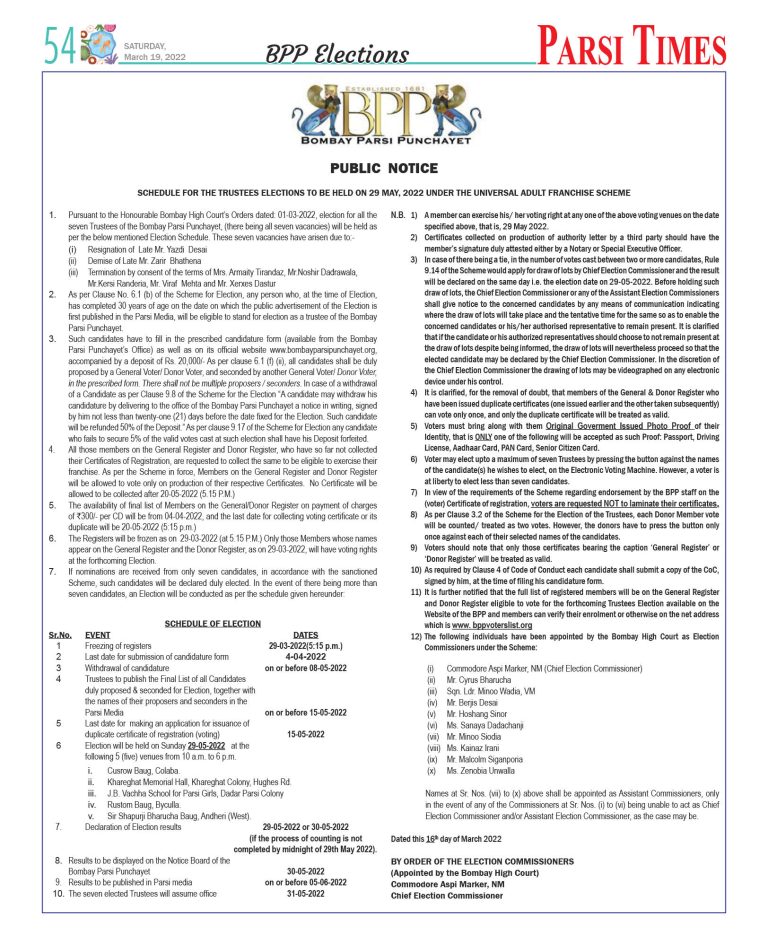

TechKnow With Tantra: GoFullPage: Full Page Screen Capture
This is a Chrome Extension which helps you capture a screenshot of your current web-page in its entirety. Often, it’s challenging to capture the full webpage as it’s several screens long. All you need to do is click on the extension icon (or press Alt+Shift+P), watch the extension capture each part of the page, and be transported to a new tab of your screenshot where you can download it as an image or PDF or simply drag it to your desktop. The advanced screen capture technology handles complex pages—including inner scrollable elements as well as embedded iframes—unlike any other extension.